
To teach kids to manage their own calendar effectively, show them how to use digital tools like Google or Apple Calendar, making the process fun and interactive. Help them input their activities, prioritize tasks, and use color-coding for organization. Encourage daily reviews and reminders to build responsibility and confidence. Practicing these habits instills essential skills and digital literacy, setting your child up for success. Continue exploring how to support their independence in time management.

Turn the school run and nap time into listening time
- Thousands of audiobooks, podcasts and originals
- Listen on your phone, tablet or Echo — also offline
- Cancel anytime
Key Takeaways
- Introduce interactive digital calendar tools and demonstrate how to input and organize activities effectively.
- Use color-coding and visual cues to help children distinguish between different types of commitments.
- Encourage daily review and updates to foster responsibility and reinforce planning habits.
- Teach prioritization skills by identifying urgent versus important tasks and setting reminders.
- Make calendar management engaging and routine to build confidence and digital literacy.
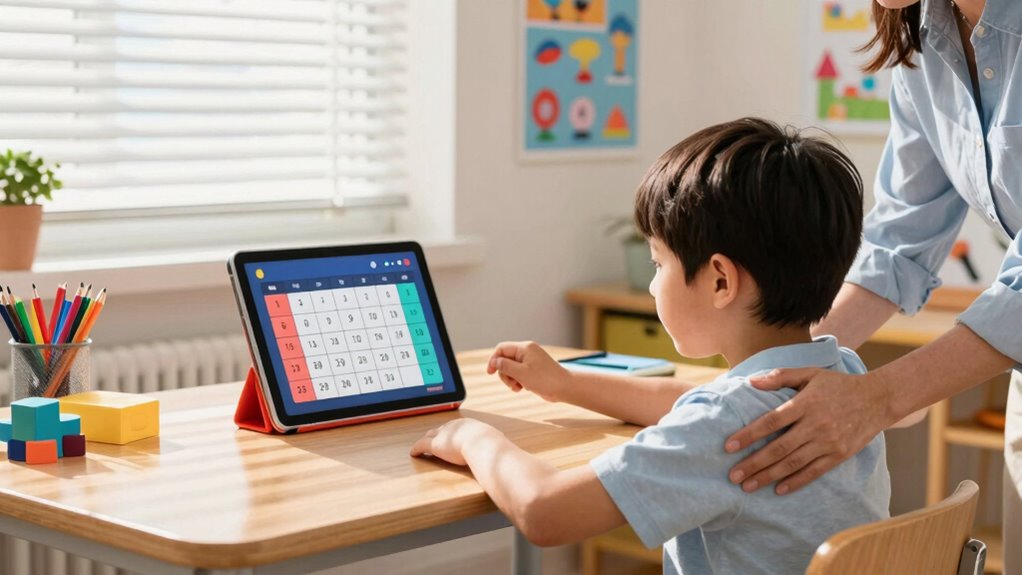
Managing kids’ calendars can feel overwhelming, but with a clear system in place, it becomes manageable. Teaching your children to manage their own schedule helps them develop essential skills like time management and responsibility. The key is to introduce them to digital tools that make tracking their commitments simple and intuitive, rather than relying solely on paper planners or verbal reminders. Digital calendars, like Google Calendar or Apple Calendar, are user-friendly and accessible from multiple devices, so your child can stay organized whether they’re at home or school.
Teach kids to manage their schedules with easy-to-use digital calendars for independence and responsibility.
Start by showing your child how to input their activities into the digital calendar. Make it a fun and interactive process, guiding them through adding their classes, sports, homework deadlines, and social events. When they see how everything fits into one place, they’ll better understand how to allocate their time. Emphasize the importance of checking their calendar daily, so they get used to staying aware of upcoming events and deadlines. Encourage them to set reminders for important tasks—this helps reinforce the habit of proactive planning and reduces last-minute stress.
As they get comfortable with digital tools, teach them to prioritize their commitments. Help them understand that some tasks are urgent, while others are important but can wait. This is a vital part of developing good time management skills. You can also introduce them to color-coding their calendar entries, which visually distinguishes different types of activities. For example, schoolwork might be blue, sports orange, and social events green. This visual cue makes it easier for them to see at a glance what their day looks like and helps foster a sense of control over their schedule.
Encourage your child to review their calendar at the start and end of each day. Discuss upcoming events, and ask questions like, “What do you need to prepare for tomorrow?” or “What did you accomplish today?” This habit reinforces responsibility and helps them see how their planning impacts their daily routine. If they forget to add something, gently remind them to keep their digital calendar up to date. Over time, managing their schedule becomes second nature, instilling confidence and independence. Using digital tools also helps children develop digital literacy, which is an important skill in today’s technology-driven world.
Involving your child in the process not only builds their organizational skills but also teaches them valuable lessons in time management. By leveraging digital tools that are accessible and easy to use, you set them up for success now and later in life. With patience and consistency, they’ll learn to manage their own calendar with confidence, reducing chaos and making daily planning a smoother, more empowering experience.
As an affiliate, we earn on qualifying purchases.
Frequently Asked Questions
How Early Should Kids Start Managing Their Own Calendar?
You should start teaching kids about managing their own calendar around age 7 or 8. At this stage, they can begin understanding basic time management skills with parental guidance. Encouraging them to use simple tools like a paper calendar or digital app helps build independence. As they grow, gradually give them more responsibility, fostering confidence and organizational skills that will serve them well in school and beyond.
What Tools Are Best for Teaching Kids Calendar Skills?
You should use digital tools like kid-friendly calendar apps or shared family calendars to teach kids time management. These tools make it easy for children to see their schedule, set reminders, and learn responsibility. Interactive apps with visual cues and simple interfaces help them grasp the concept of managing their own calendar effectively. By actively engaging with these digital tools, kids develop essential skills for organizing their time and staying on top of commitments.
How to Handle Schedule Conflicts With Kids?
When schedule conflicts arise, think of it as a balancing act—your child’s time management skills are on stage. You can guide them by reviewing priorities together and adjusting commitments as needed. Parental guidance is key; help them understand how to re-prioritize and communicate changes. Encourage flexibility and problem-solving, showing them that managing conflicts is part of mastering their schedule, ultimately building confidence and organizational skills.
Should Kids Be Responsible for All Calendar Updates?
Kids shouldn’t be responsible for all calendar updates; your involvement is essential. You can guide them to manage their schedules while respecting their privacy concerns, ensuring they feel trusted. Encourage independence by teaching them how to update key events, but stay engaged to prevent oversights. Balancing parent involvement with their growing autonomy helps kids learn responsibility without feeling overwhelmed or monitored excessively.
How to Motivate Reluctant Kids to Use Their Calendars?
Imagine a colorful calendar glowing on their tablet, inviting curiosity. To motivate reluctant kids, use digital discipline by setting fun, achievable goals and celebrating progress. Get involved with gentle parental guidance, showing how the calendar helps them stay on top of their favorite activities. When they see how managing their schedule makes life smoother and more exciting, they’ll be motivated to engage consistently, building independence step by step.
Conclusion
Think of teaching your kids to manage their calendar like guiding a tiny boat through a winding river. With each new task, reminder, and plan, you help them navigate the twists and turns with confidence. Over time, they’ll learn to steer themselves, charting their own course. Your steady hand becomes the compass, showing them how to stay afloat and reach their destination—organized, responsible, and ready to sail through life’s adventures.
Evergreen bestsellers Picks
bestsellers
As an affiliate, we earn on qualifying purchases.